 Label Planet
Round Labels and Circular Labels
You can find our full range of oval labels here.
- Material Code:
- STA
- Prices From:
- £13.50
- Sizes Available:
- 30
- Specification Sheet:
- View Sheet
- Material: Standard Matt White Paper
- Printer Compatibility: Inkjet and Laser Printers
- Adhesive: Permanent
- Waterproof: No
- EAN: 5056269881176
25 Sheet Minimum
Same Working Day Despatch Up To 100 Sheets
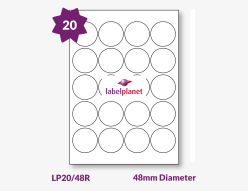
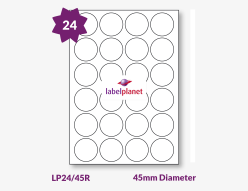
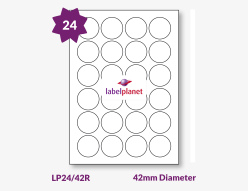
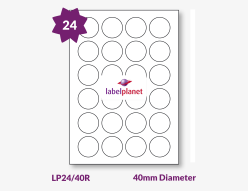
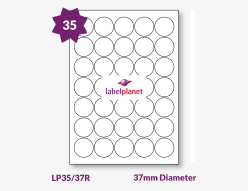
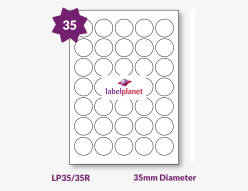
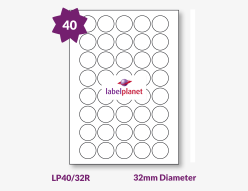
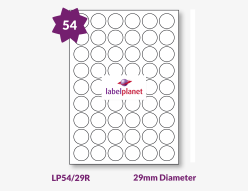
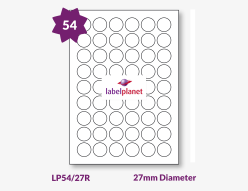
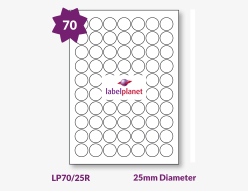
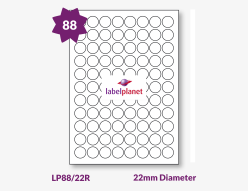
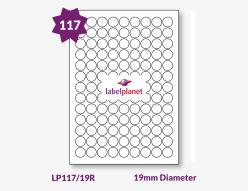
Product Information
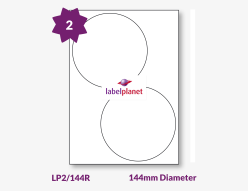
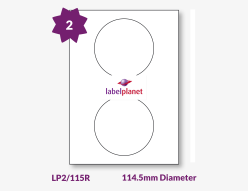
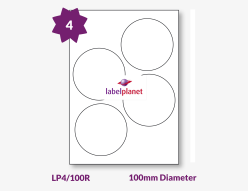
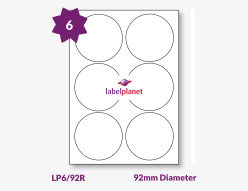
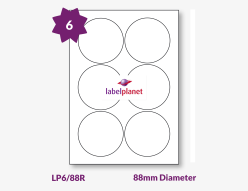
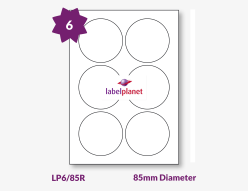
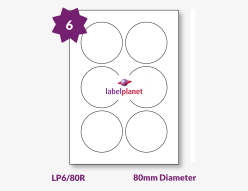
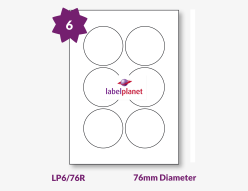
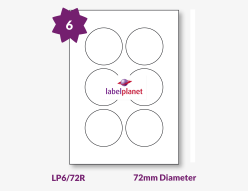
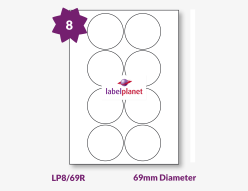
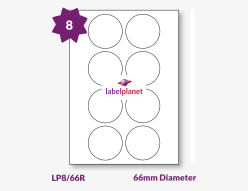
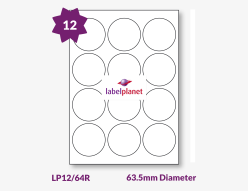
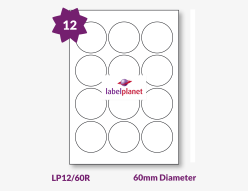
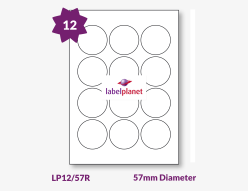
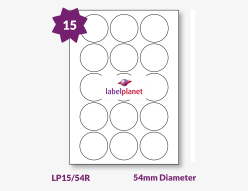
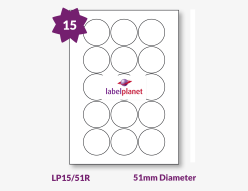
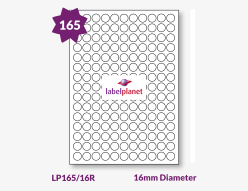
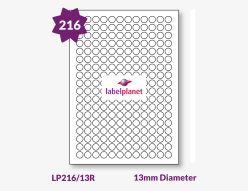
- We currently stock 30 sizes of round labels. These labels are supplied on A4 sheets of standard matt white paper with a permanent adhesive. They can be printed using either an inkjet or a laser printer and are suitable for writing on. These two shapes are ideal for drawing attention to special information or to provide a decorative alternative to the usual rectangular label. Round stickers are commonly used to label products and stock; they are particularly popular for use with cosmetics and homemade food and drink. Our circle labels are also often used as individual stickers – for labelling gifts, as name badges at parties and charity events, or in schools as part of reward schemes. They are also ideal for organisation at home or in the office.
- The labels on this page are supplied on high quality matt white paper, but the more common round label sizes are also available in a range of colours, materials, and adhesives. These can be found using the alphabetic list on the left. We also have a special guide to printing round labels, which can be found in our help section.
Common Uses
- Highlighting important information – using a round shape can draw attention to a certain item or piece of information. Businesses can emphasise their company logo or information on products and sale brochures, or make sure that customers take note of special features or sale prices available on their products. They can also be used to draw attention to health and safety reminders, to note stock level or rotation, or to mark important documents and files.
- Organisation – these labels are ideal for organising at home or in a business. At home, round labels are perfect for organising calendars and diaries, for identifying personal documents or items, or even for planning social outings, such as holidays, walking trips or cycling routes. At work, they can be used as part of filing systems, as notes on important files and documents, or as markers on personal or communal calendars to highlight upcoming events, holidays, or deadlines.
- Stickers – round labels make great stickers. They can be used on gifts or as name badges or on place holders at parties. They are also ideal at charity events; you can promote a charity or event by printing a logo and event details onto round labels, print name badges for those involved, or simply reward participants with a reminder of the event they have helped to support. In schools, they are a popular way to provide feedback on a child’s behaviour and progress; they can also be used to label individual items such as workbooks, lockers, or coat pegs.
- Jars and bottles – round labels are a fantastic fit for jars and bottles. Many businesses use these labels for a variety of products including cosmetics, wine bottles, food packets or boxes, and preserves like honey and jam. These labels are ideal for adding company and product information to products, and for clearly highlighting important information such as ingredients, nutritional value, or instructions for use. Round labels are often used for the tops of round jars, or to seal jars or packets with a branded label – our 25mm and 51mm diameter labels are popular choices for these applications.
Download a Template / Request Samples / Similar Labels
Round Labels Size Guide: download and view all of our label sizes in our round labels size guide.
Download A Template: click here to download templates for these round labels.
Request A Sample: click here to request a sample of our white paper round labels.
Find An Alternative: we also supply circular labels in a range of seven pastel colours and five fluorescent colours, which can be viewed here. Alternatively, visit our Product List to choose a label range and find out which sizes of round label are available in each of our materials. We also have other shapes available including ovals, and squares. For a brief guide, read Searching For The Labels You Need on our home page.
Searching For the Labels You Need
Watch Our Video On: How To Find Round Labels
Customer Reviews:
These labels are compatible with inkjet printers only...
These labels are compatible with inkjet printers only in the sense that the printer does not jam! The paper surface is not coated for inkjet inks in the way that branded (eg Epson) inkjet paper is. So you get the same pale, insipid colours that you get when you load an inkjet printer with photocopy paper.
Richard Platt
19th Aug 2026We are sorry to hear that you were unhappy with the print quality of your labels. Print quality is determined by the printer being used and the material being printed.
Reply from Label Planet
Our paper labels are made with a standard quality paper that produces a good quality print with most printers and is suitable for general purpose applications.
If a high quality professional finish is required (e.g. for photographs or art prints), it is best to source a high resolution paper designed to produce a higher print quality. A range of papers are available (including options intended specifically for use with inkjet printers), although these products will cost more as the paper quality increases.
We always recommend that customers consider print quality as a factor when choosing the right labels for their application. We supply free samples so customers can check the print quality produced by their printer on our materials before making their final choice.
Kind regards,
The Label Planet Team
Item arrived before expected delivery. Well packed not...
Item arrived before expected delivery. Well packed not damaged. Goods as ordered. Not used yet but seem to be ok compared with items previous sheets obtained.
Michael S. Kelsall
13th May 2026
Excellent products from a first class company. Guaranteed...
Excellent products from a first class company. Guaranteed quality labels delivered first class mail every time. Well p;leased.
Tony Dingle
25th Apr 2026
I use these labels for my homemade preserves...
I use these labels for my homemade preserves. They are nice to write on and stick well to the glass jars. Great price and super fast delivery. Thank you.
NessaL
26th Feb 2026
Excellent service and product - thank you...
Excellent service and product - thank you.
Malcolm Heather
23rd Dec 2025
Great quality labels. Ordered a few times and...
Great quality labels. Ordered a few times and used the templates available to home print out small business logos. Highly recommend these and I will be ordering again soon.
Andy
15th Nov 2025
I ordered freezer labels and circular labels for...
I ordered freezer labels and circular labels for tops of jam jars! This is my second order and would recommend them for their efficiency and prompt response to delivering a good product!
Mia
28th Aug 2025
great service as usual will use again
great service as usual will use again
kevin biddiscombe
28th Jul 2025
Excellent Company - used for years, never let...
Excellent Company - used for years, never let me down. Highly Recommend
Graham Leeming
3rd Dec 2024
I keep coming back for more! Great product...
I keep coming back for more! Great product and brilliant service. They always arrive very quickly.
Andrea Hall
22nd Feb 2024
Good quick service and delivery. Used Label Planet...
Good quick service and delivery. Used Label Planet since 2018 and never had a problem. Good prices + good service, can't ask for anything more.
Stuart T
18th Oct 2023
Maybe not the biggest but a regular customer...
Maybe not the biggest but a regular customer of labelplanet for circular labels excellent quality as always. A very easy to use web-site with very speedy delivery. Would not look to go elsewhere 10/10.
Tony Dingle
13th Oct 2023
Quick delivery, good quality product
Quick delivery, good quality product
Debbie
13th Aug 2023
Labels received promptly and in good order...
Labels received promptly and in good order. Just what we needed.
Paul
31st Jul 2023
Fast and easy transaction. Item was shipped and...
Fast and easy transaction. Item was shipped and delivered incredibly quickly. Will definitely use again.
The Hill Trader
22nd Jul 2023
Very explicit website for dimensions, ordering from the...
Very explicit website for dimensions, ordering from the website is straight forward and the labels came very quickly. Thank you.
Michelle
9th May 2023
Absolutely perfect for printing on in black and...
Absolutely perfect for printing on in black and white, and colour. They sit easily on the side of the jars and, with a minor adjustment, can be trimmed to fit the smaller 180ml jars!
Mac
7th Apr 2023
We have used Label Planet for several years...
We have used Label Planet for several years. Excellent, Efficient & Professional service.
Amrit Karra
22nd Feb 2023
Very good quality labels. Easy to order. I...
Very good quality labels. Easy to order. I am a returning customer. Thank you guys.
Jacqui Doswell
13th Oct 2022
I have been buying my labels from Label...
I have been buying my labels from Label Planet for several years now. Excellent quality and very speedy service. Always reliable and good value for money. Highly recommend
M. Pettitt
28th Jul 2022